
your cart

No items found.
Product is not available in this quantity.

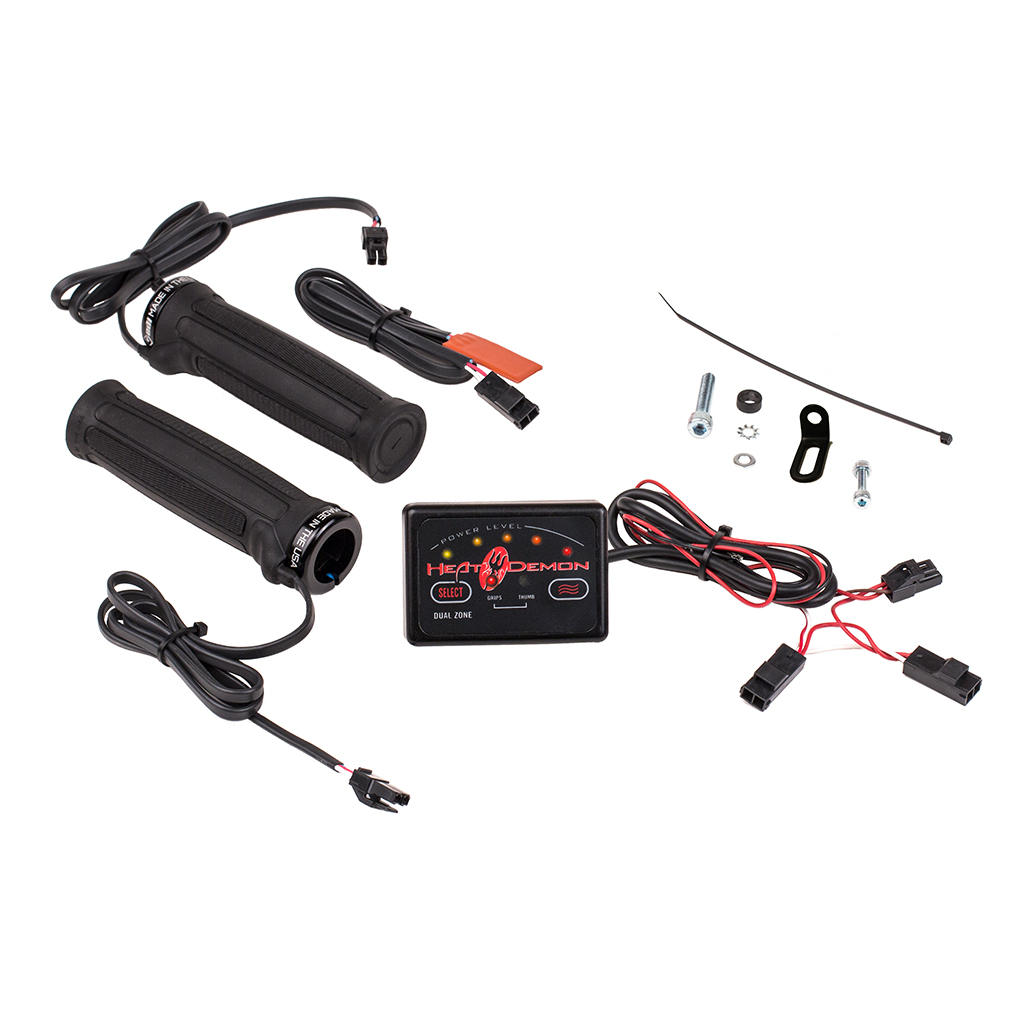
Confirm the kit is not grounded to the frame. If the kit is not grounded to the frame, disconnect the kit from the current power connection. Then connect the kit directly to the battery with the red controller wire to the positive battery lead and the black controller wire to the negative battery lead. Then turn the controller on and make sure that the LEDs light up properly.
To switch between the two or four individual zones, use the (Select) button. The LED above “GRIPS” will turn off, and the LED above “THUMB” will turn on. You can then adjust the heat level by pressing the (≈) button. Press the button 5 times for level 5, and once more to turn the grips off.
There is not a specific left and right side grip in the ATV heated grip kits. The two grips provided are the same. They can be installed on either side of the handlebar with wire exit facing towards the front of the ATV.
When Heat Demon converted the ATV heated grips to the current clamp-on style, the mounting hardware was also updated. A metal L-bracket is now used to mount to the ATV using an existing 6mm bolt. A longer bolt and spacer is included in the kit to be used if necessary.
Heat Demon heated grips are available through authorized dealers and distributors nationwide.
Find a Dealer© 2026 Heat Demon® by Symtec, Inc.® All rights reserved. Symtec is a wholly owned subsidiary of Harlan Company.
harlan.co